Best Photo to Cross Stitch Converter Apps in 2026
Best Photo to Cross Stitch Converter Apps in 2026
Co-Founder & Lead Developer
If your main goal is turning photos into clean, stitchable patterns, the best app in 2026 is the one that gives you control without forcing you through a desktop-era workflow. In our view, that currently makes StitchCraft the strongest overall choice for iPhone and iPad users.
The reason is simple: photo conversion quality is only half the job. The best tools also help you reduce noisy colors, review the DMC palette, export a readable chart, and actually stitch the result.
Quick Answer
Here is the short version:
- Best overall photo-to-pattern app: StitchCraft
- Best browser-based option: FlossCross
- Best for tinkerers who want manual control: PC Stitch
- Best fully free option: Pic2Pat
- Best if you already prefer a native iOS charting app: Stitchly
What Actually Matters in a Photo Conversion App
Many apps claim they can turn a photo into a pattern. The better question is whether the output is pleasant to stitch.
The features that matter most are:
- Clean color reduction so the pattern does not explode into dozens of near-identical shades
- Real DMC mapping instead of generic screen colors
- Grid and fabric controls so you can balance detail against project size
- Editing tools for cleanup after conversion
- PDF export with a readable symbol chart and thread list
- Progress tracking if you want to stitch from the same device
Comparison Table
| Tool | Best For | Strengths | Weak Spots |
|---|---|---|---|
| StitchCraft | iPhone/iPad users who want the full workflow | Strong photo conversion, DMC control, PDF export, built-in tracking | Apple-only |
| Stitchly | iOS users who value a polished app experience | Nice mobile UX, good editing feel | Less convincing end-to-end workflow for photo-first users |
| FlossCross | Browser users who want flexibility | Accessible anywhere, easy to try, useful editor | Browser UX, weaker mobile comfort, no native app benefits |
| Pic2Pat | Free one-off conversions | Fast and free, easy PDF output | Limited cleanup, less refined results |
| PC Stitch | Advanced desktop users | Deep controls, mature desktop toolset | Windows-only, slower learning curve, less convenient for casual use |
1. StitchCraft
Best for: stitchers who want to import a photo, improve it, export it, and track progress from one place.
What it does well:
- Converts photos into stitchable charts quickly on iPhone or iPad
- Lets you adjust grid size, fabric count, and color count before committing
- Maps colors to a DMC-friendly palette
- Gives you a practical PDF export workflow
- Includes a built-in progress tracker
What we like most is that the app is designed around the real workflow, not just the conversion moment. That matters because most frustrations happen after generation: too many colors, muddy areas, awkward exports, or losing your place while stitching.
Best for
- Portraits
- Pet photos
- Home decor projects
- Stitchers who want mobile-first pattern creation
Not ideal for
- People who need Windows software
- Designers who want a huge menu of specialty stitch types
2. Stitchly
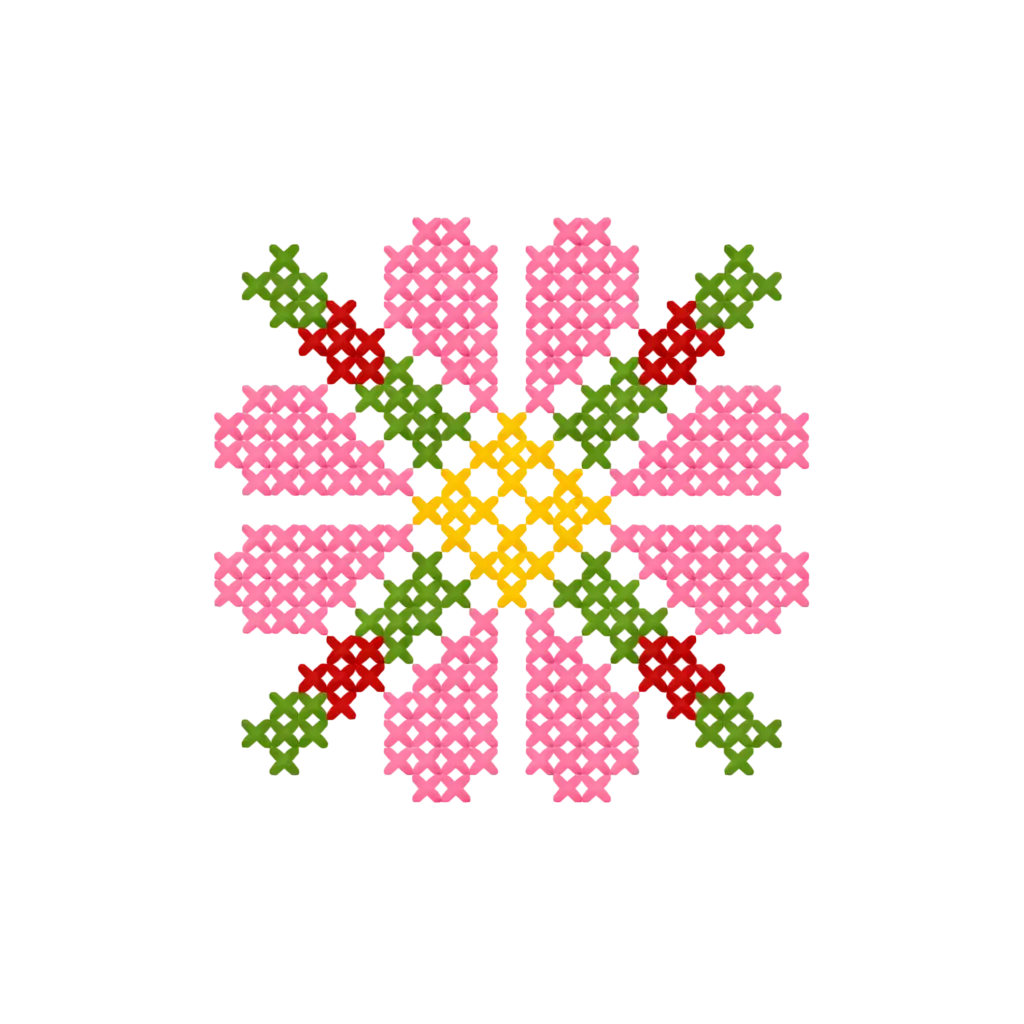
Turn Any Photo Into a Cross Stitch Pattern
- Accurate DMC color matching
- Track progress stitch by stitch
- Export print-ready PDF charts
iPhone & iPad
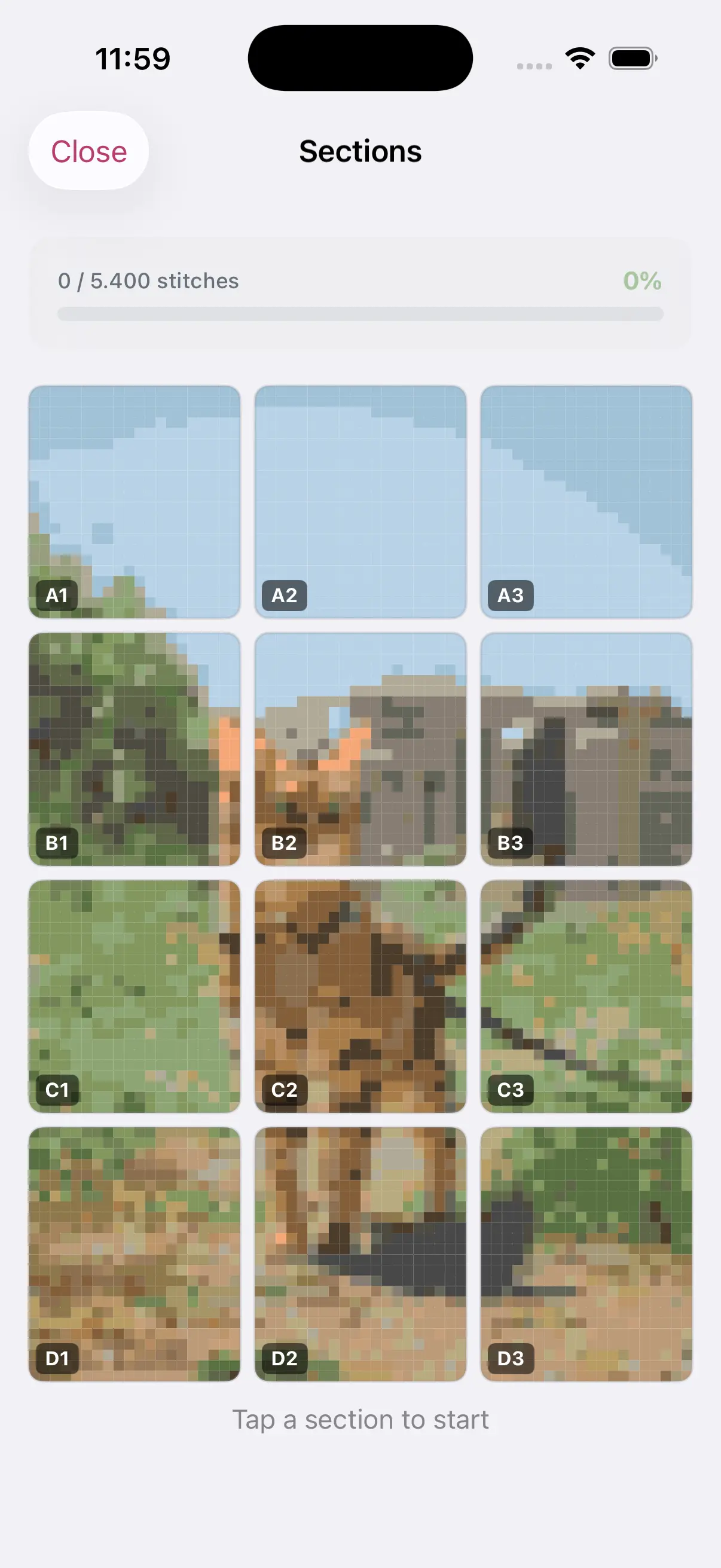
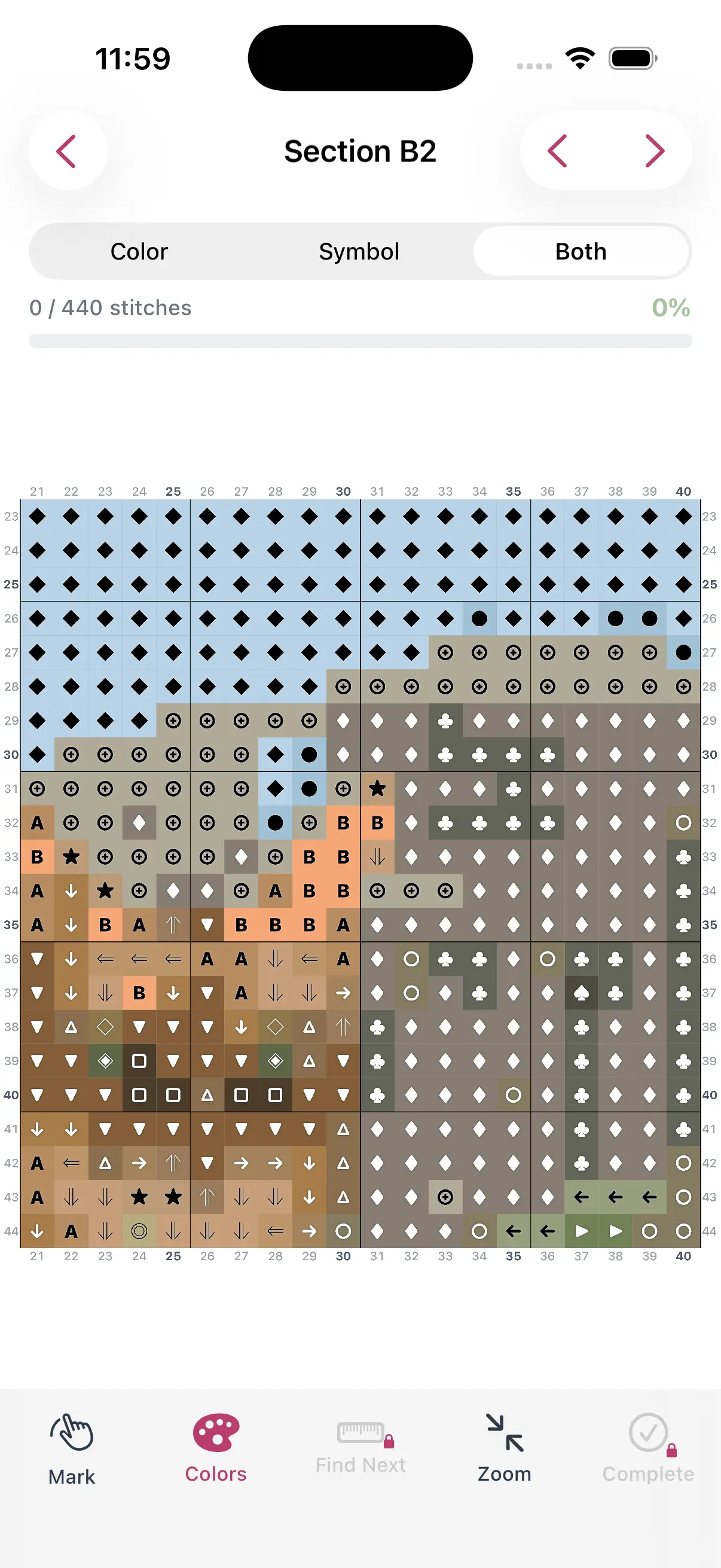
Best for: iOS users who want a native app and care about a refined interface.
Stitchly is one of the more credible mobile competitors in this space. It looks modern, feels approachable, and benefits from being built for Apple devices. For simple to medium-complexity projects, it can be a comfortable place to work.
Its challenge is not usability. It is whether the photo-to-pattern workflow feels complete enough once you move past the initial conversion. That is where some stitchers will still prefer a tool with stronger export and project-management support.
3. FlossCross
Best for: people who prefer a browser tool or want to work across devices without installing an app.
FlossCross has earned attention because it is easy to access and fairly capable. If you do not want to be locked into one platform, a browser-based tool is appealing. It also suits users who like to tweak and edit on a larger screen.
The tradeoff is comfort. Browser tools tend to feel less cohesive than strong native apps, especially on tablets and phones. If you mostly create patterns on the sofa, in a craft room, or while traveling, that difference adds up.
4. Pic2Pat
Best for: free, low-stakes experiments.
Pic2Pat is still useful when you simply want to test an idea without paying. Upload a photo, choose dimensions, and get a pattern. For occasional hobby use, that is enough.
The downside is that free converters rarely shine when the source image is difficult. They usually give you less control over cleanup, weaker palette decisions, and fewer tools for turning a decent preview into a genuinely enjoyable stitching chart.
5. PC Stitch
Best for: advanced users who are comfortable on Windows and want old-school control.
PC Stitch remains relevant because it is powerful. If you want deep desktop controls and do not mind a heavier interface, it can still do serious work. The difference is speed to result. A lot of hobbyists no longer want a desktop-first process for projects that begin on a phone camera.
How to Choose the Right App
Choose based on the type of project you actually make:
- Mostly family and pet photos: choose the tool with the cleanest photo workflow
- Mostly original chart design: prioritize editing depth
- Mostly tablet stitching: prioritize tracking and readability
- Mostly budget-driven experiments: start with a free tool, then upgrade when cleanup becomes annoying
Our Verdict
For most modern stitchers, the best photo to cross stitch pattern app in 2026 is StitchCraft. It covers the parts that matter most: usable conversion, manageable color control, export, and progress tracking.
If you want a broader tool comparison, read our full guide to the best cross stitch pattern maker. If your next step is choosing the source image, start with how to choose the best photo for a cross stitch pattern.