Cross Stitch Progress Tracker
A cross stitch progress tracker helps you mark completed stitches, highlight your working area, and resume a project without recounting. StitchCraft tracks progress stitch by stitch on iPhone and iPad, with completion stats for each pattern and support for multiple WIPs.
Stitch by stitch
Progress always saved
Quick Answer
A Progress Tracker Matters Most When the Project Is Big Enough to Break Your Concentration
Digital tracking is worth it when you want fewer counting mistakes, easier resume points, and one workflow from pattern generation to stitching. StitchCraft is built for stitchers who need that clarity on larger or longer-running projects.
Best For
- - large projects with lots of color changes
- - stitchers who work in short sessions and need to resume quickly
- - users who want to create and track projects inside one app
Not Ideal For
- - tiny motifs that are easy to finish from paper in one sitting
- - stitchers who never use digital charts
- - users who only need a PDF reader without project management
How Does a Cross Stitch Progress Tracker Work?
Mark Individual Stitches
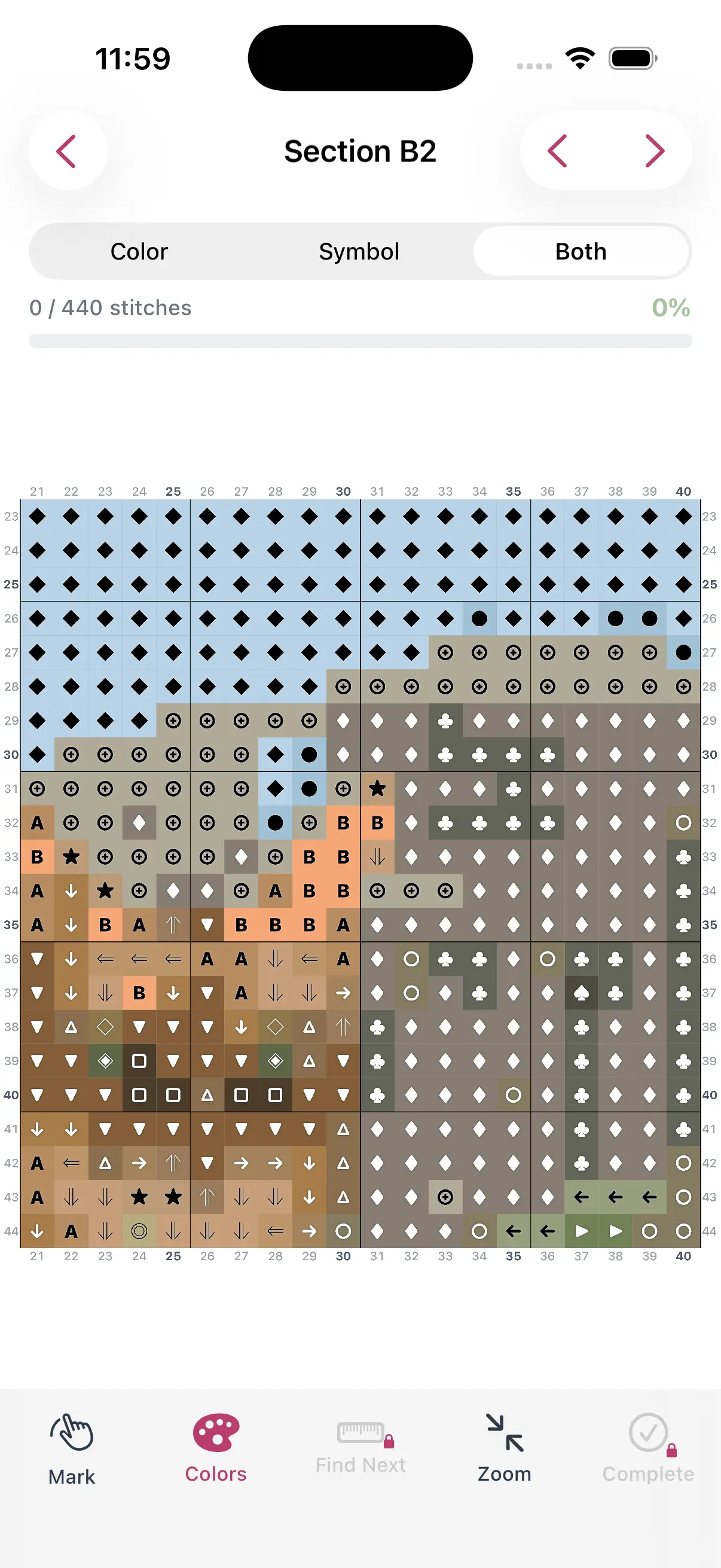
Tap any stitch to mark it as complete. Works at any zoom level. See completed stitches change color instantly so you always know your exact position.
Highlight Working Area
Focus on a specific section of your pattern. The rest dims so you can concentrate on the area you're actively stitching without distraction.
Completion Statistics
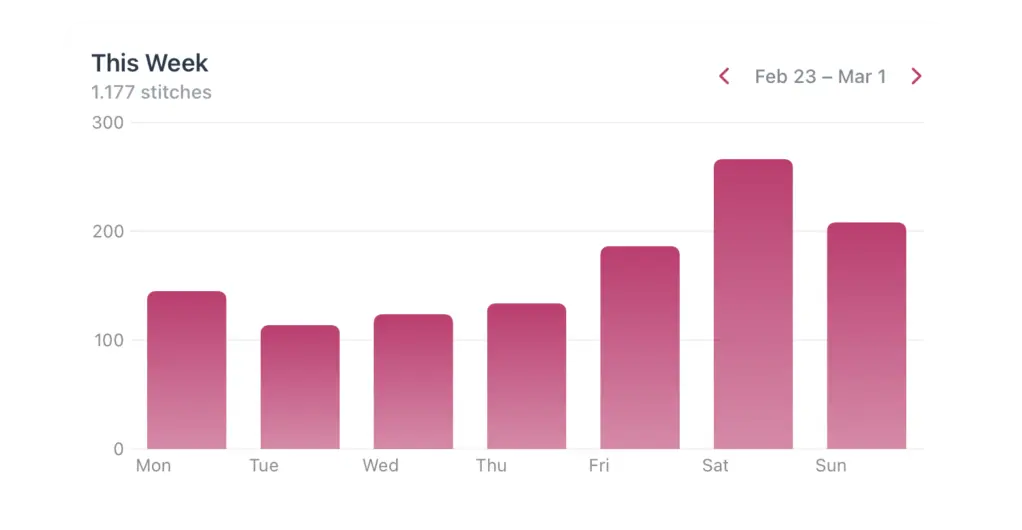
See your overall progress percentage, stitches completed vs. remaining, and color-by-color completion. Watch your project come to life in numbers.
Multiple Projects
Track progress on multiple projects at once. Switch between patterns without losing your place on any of them. Perfect if you rotate between WIPs.
iPhone & iPad
Track on your iPhone while you stitch, or use your iPad for a larger view. Your progress syncs between devices so you can work from anywhere.
Fast & Responsive
The tracker is built for performance. Even large patterns with thousands of stitches feel smooth and responsive when marking progress.
See the Cross Stitch Progress Tracker in Action
From marking your first stitch to watching the last square fill in — here is what tracking a project looks like inside StitchCraft.
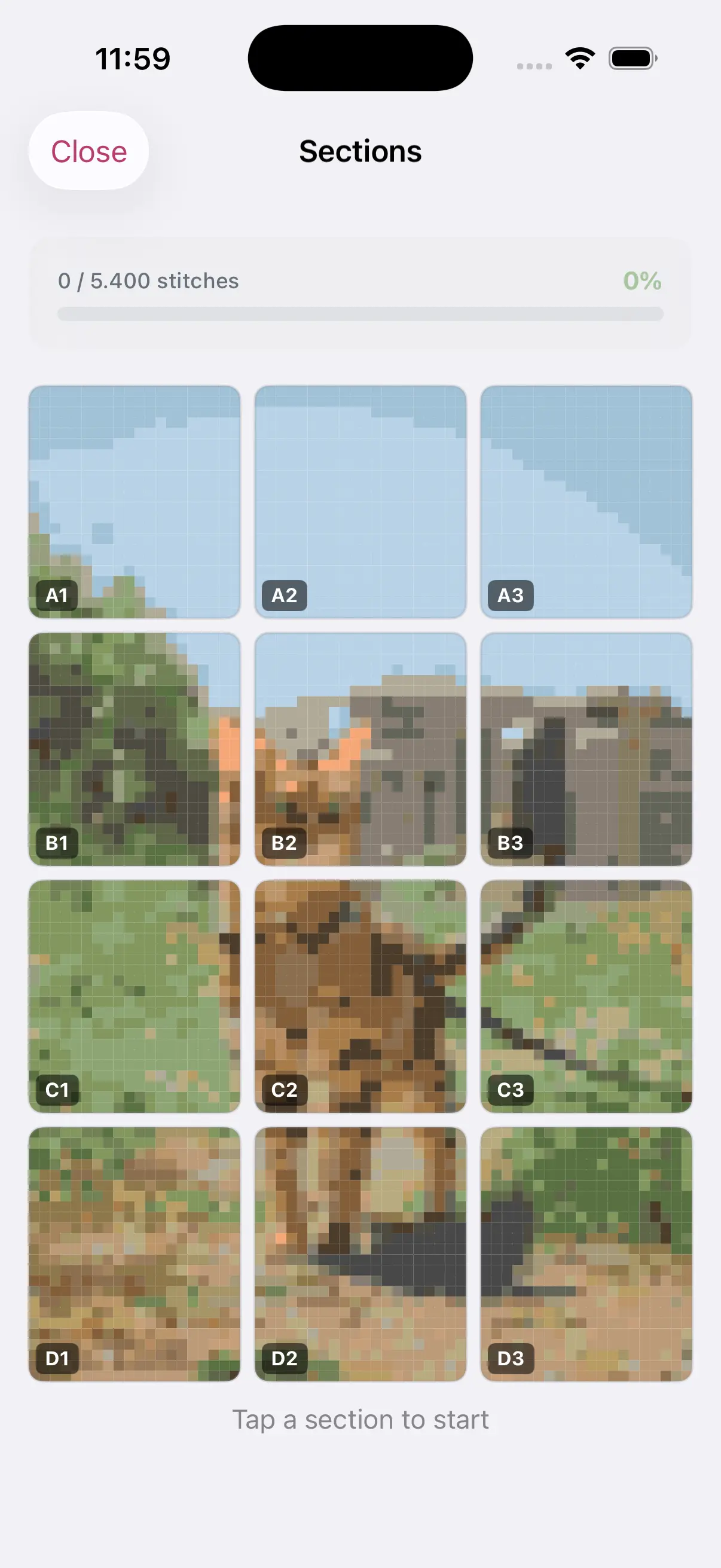
Highlight your working area
Break a big chart into sections and dim everything else so you never lose your place.
Mark each stitch complete
Tap stitches as you go and watch completed squares change color in real time.
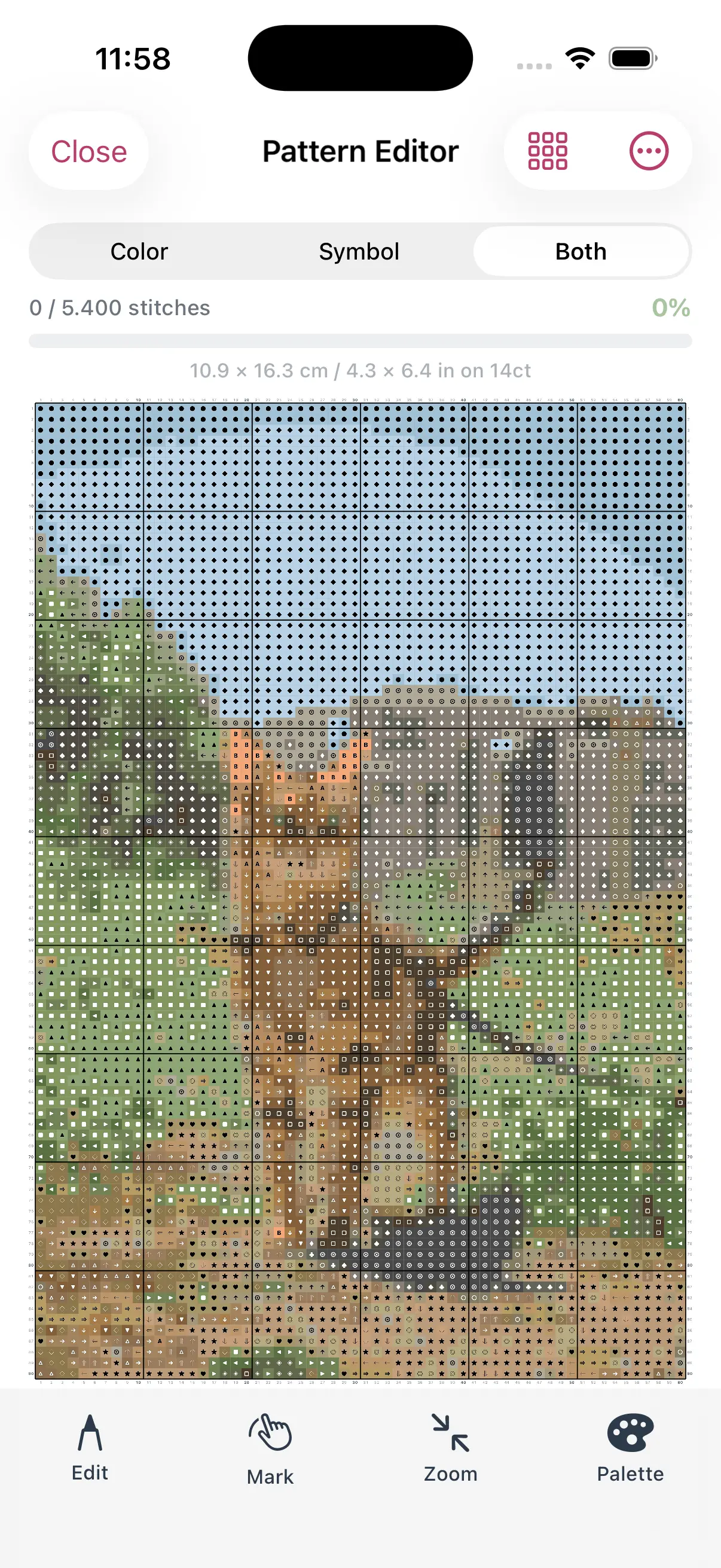
Track any pattern you make
Create or convert a pattern, then track it stitch by stitch in the same app.
Turn Any Photo Into a Cross Stitch Pattern
- Accurate DMC color matching
- Track progress stitch by stitch
- Export print-ready PDF charts
iPhone & iPad
Why Track Cross Stitch Progress Digitally?
Traditional progress tracking methods — highlighting paper charts, sticky notes, row counters — work but have limitations. Paper charts get messy, sticky notes fall off, and it's hard to see your overall progress at a glance.
Digital tracking in StitchCraft gives you precision down to the individual stitch. You can see exactly which stitches are done, zoom in to your working area, and get stats on your completion. Plus, you can't accidentally lose or damage a digital tracker.
Many stitchers find that digital tracking also helps with motivation. Watching the completion percentage grow — and seeing the visual progress on screen — provides a satisfying sense of accomplishment that keeps you stitching.
If you are comparing apps rather than methods, start with our roundup of the best progress tracker apps. If you are still deciding between paper and digital, read how to track cross stitch progress.
Progress Tracking Guides
Compare the best tracking apps, learn digital stitching workflows, and find the right setup for larger projects.
Review
Best Cross Stitch Progress Tracker Apps in 2026
Compare the best cross stitch progress tracker apps for marking stitches, tracking WIPs, keeping your place, and managing digital charts.
Tips
Cross Stitch Progress Tracker Guide
Tips and methods for tracking your cross stitch progress, from paper methods to digital tracking with StitchCraft.
Tips
Digital Cross Stitch Progress Tracking: Why It Works
Digital progress tracking changes how you stitch. Here's why it works better than pen-and-paper methods — and what to look for in a tracking app.
Review
Best Cross Stitch Apps for iPad in 2026
The best iPad cross stitch apps compared for pattern creation, chart reading, Apple Pencil support, photo conversion, and progress tracking.
Frequently Asked Questions
How do I track cross stitch progress digitally?
Use a digital tracker to mark stitches or areas as complete while you work through the chart. StitchCraft lets you zoom into the pattern, mark completed stitches, highlight the working area, and see progress stats for each project.
Is a cross stitch progress tracker better than paper highlighting?
For small patterns, paper highlighting can be enough. For larger patterns, a digital progress tracker is easier to undo, cleaner to zoom, and better for finding your exact place after a break.
Can I track multiple cross stitch projects?
Yes. StitchCraft is designed for multiple works in progress, so you can switch between projects without losing your saved completion state, current area, or progress percentage.
Does progress tracking work with patterns I create in the app?
Yes. The strongest workflow is to create or convert a pattern in StitchCraft, then track that same pattern stitch by stitch in the app. That avoids exporting files between separate tools just to keep your place.
Is the cross stitch progress tracker free?
Yes. You can download StitchCraft free on the App Store and start tracking your cross stitch progress on iPhone and iPad without an account.
Who needs a cross stitch progress tracker app?
A progress tracker app is most useful for full-coverage projects, charts with many color changes, and stitchers who work in short sessions. It helps prevent counting mistakes and makes it easier to resume a project later.
Start Creating Your First Pattern
Download StitchCraft free and turn your favorite photos into cross stitch patterns with accurate DMC colors.