Pattern Generator vs Designing by Hand
Pattern Generator vs Designing by Hand
Co-Founder & Design Lead
Should you use a cross stitch pattern generator or design your patterns by hand? The answer depends on what you're trying to create. Let's compare both approaches.
Pattern Generators: Speed and Accuracy
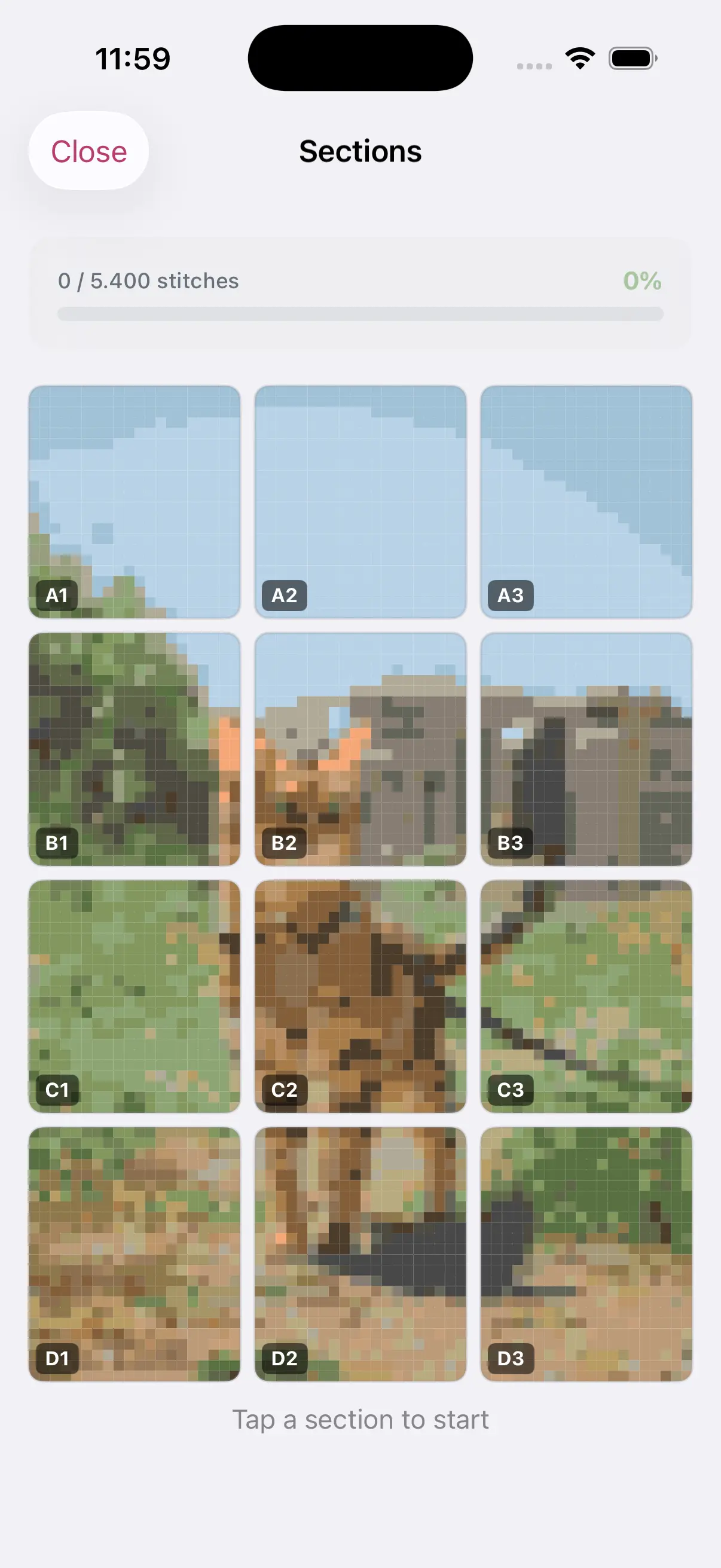
A cross stitch pattern generator like StitchCraft takes an image and converts it into a stitch-by-stitch chart. Here's what they excel at:
Strengths:
- Convert photos in seconds instead of hours
- Automatic DMC color matching eliminates guesswork
- Consistent grid alignment — no counting errors
- Easily resize and adjust before committing
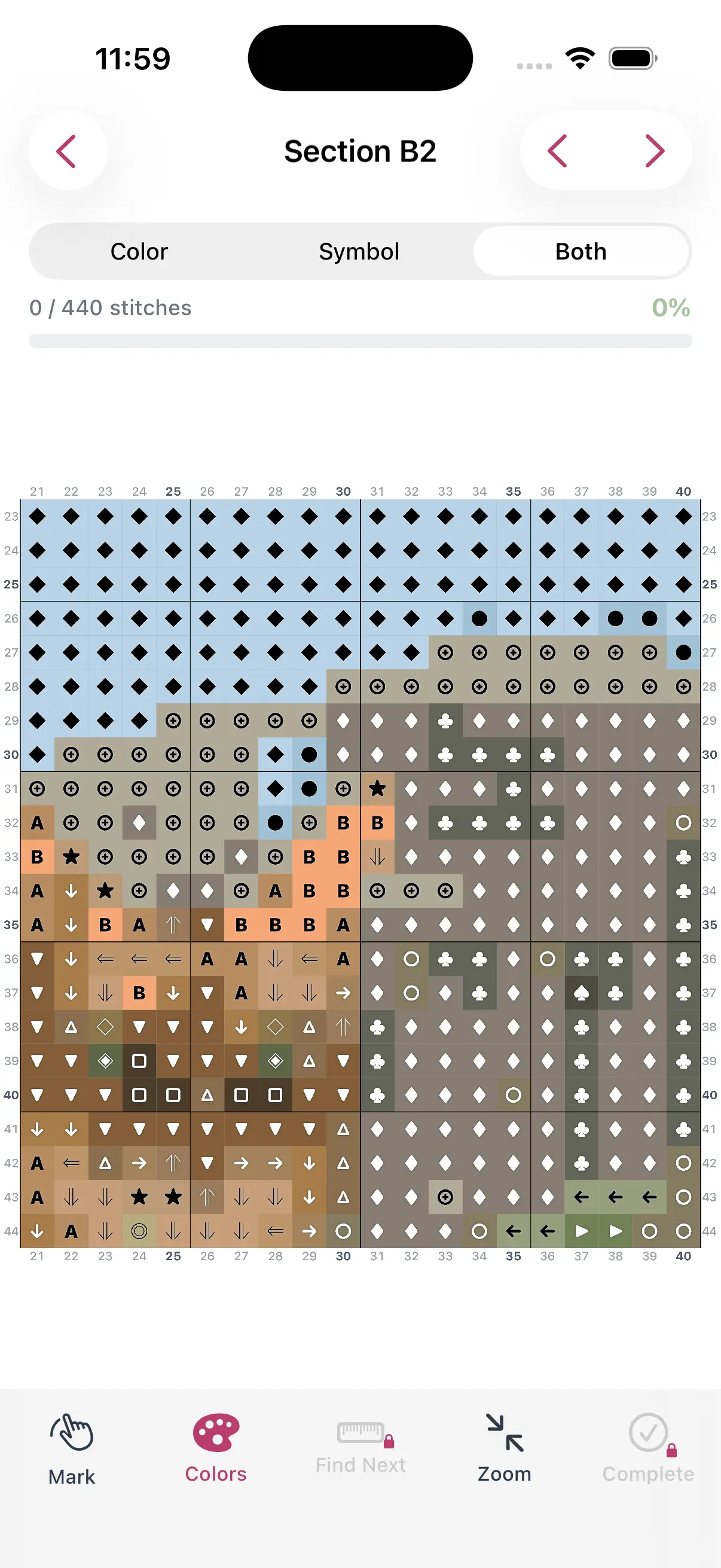
- Export-ready PDF with symbol charts
Best for: Photo conversions, realistic portraits, pet patterns, landscape reproductions, and any project based on an existing image.
Hand Design: Creativity and Control
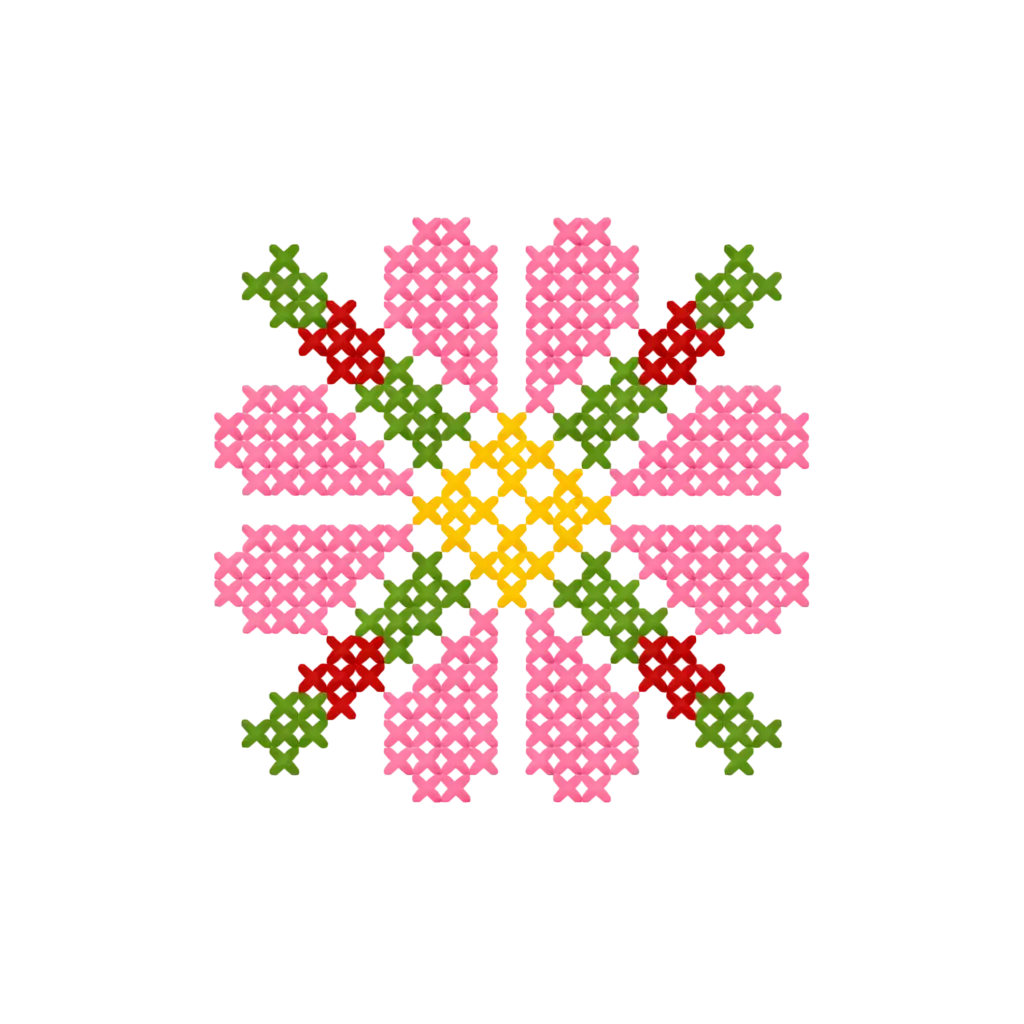
Designing by hand (or with a pixel editor) gives you complete creative freedom. You place every stitch exactly where you want it.
Strengths:
- Full creative control over every pixel
- Better for geometric and abstract designs
- Can create precise text and lettering
- No source image needed
- Unique artistic expression
Turn Any Photo Into a Cross Stitch Pattern
- Accurate DMC color matching
- Track progress stitch by stitch
- Export print-ready PDF charts
iPhone & iPad
Best for: Original designs, text-based patterns, geometric art, small motifs, and ornaments.
Why Not Both?
Many experienced stitchers use both approaches. A common workflow:
- Generate a base pattern from a photo using StitchCraft
- Edit the pattern in the built-in editor to clean up details
- Add custom text, borders, or decorative elements by hand
- Export the final combined pattern
This hybrid approach gives you the speed of auto-generation with the polish of hand editing.
Quality Comparison
Modern pattern generators have improved dramatically. The color matching algorithms in StitchCraft use the full DMC library to find the closest thread color for each pixel. The results are accurate enough that many stitchers use the generated pattern without any edits.
That said, hand-designed patterns will always have an edge for certain styles — especially minimalist designs, pixel art, and geometric patterns where every stitch placement is intentional.
The Bottom Line
Use a pattern generator when you want to convert a photo or image into a stitchable pattern quickly. Design by hand when you're creating something entirely original. Use both together for the best results.