How to Choose a Color Palette for Cross Stitch
How to Choose a Color Palette for Cross Stitch
Co-Founder & Lead Developer
The colors in your cross stitch pattern determine how the finished piece looks — and how enjoyable it is to stitch. Choosing a strong palette before you start saves you from frustrating adjustments mid-project.
Understanding Color in Cross Stitch
Cross stitch is pixel art on fabric. Each stitch is one unit of color. Unlike painting, you can't blend colors on the fly — the palette you choose before you start is the palette you stitch with.
This makes color selection more deliberate than in other crafts. You're choosing discrete DMC thread colors, each with a number and a specific hue. The interplay between those chosen colors determines the overall look.
Start with Fewer Colors Than You Think You Need
Beginners consistently overestimate how many colors they need. A pattern with 40 DMC threads is technically possible, but it's also expensive to buy and logistically complex to manage while stitching.
Most beautiful patterns use 10–20 colors strategically. Within that range:
- 6–10 colors work well for graphic, stylized designs
- 12–18 colors suit portraits, animals, and detailed scenes
- 20–30 colors are appropriate for highly realistic photo conversions
StitchCraft lets you set a target color count before conversion and adjust it in the palette editor until the preview looks right.
Use Value Contrast, Not Just Hue
A common mistake is choosing colors that look distinct on screen but blend together on fabric. The key is value contrast — the difference in lightness and darkness between colors.
Turn Any Photo Into a Cross Stitch Pattern
- Accurate DMC color matching
- Track progress stitch by stitch
- Export print-ready PDF charts
iPhone & iPad
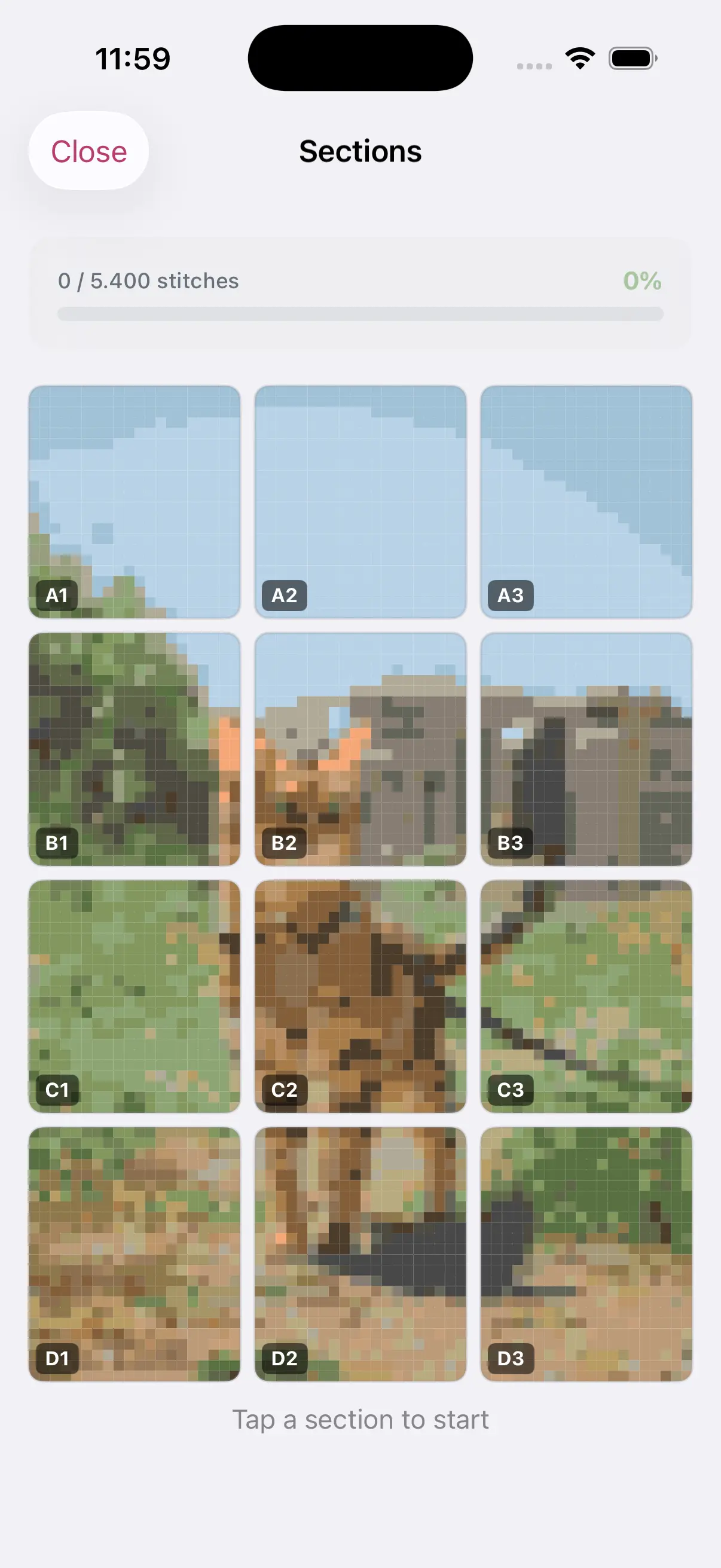
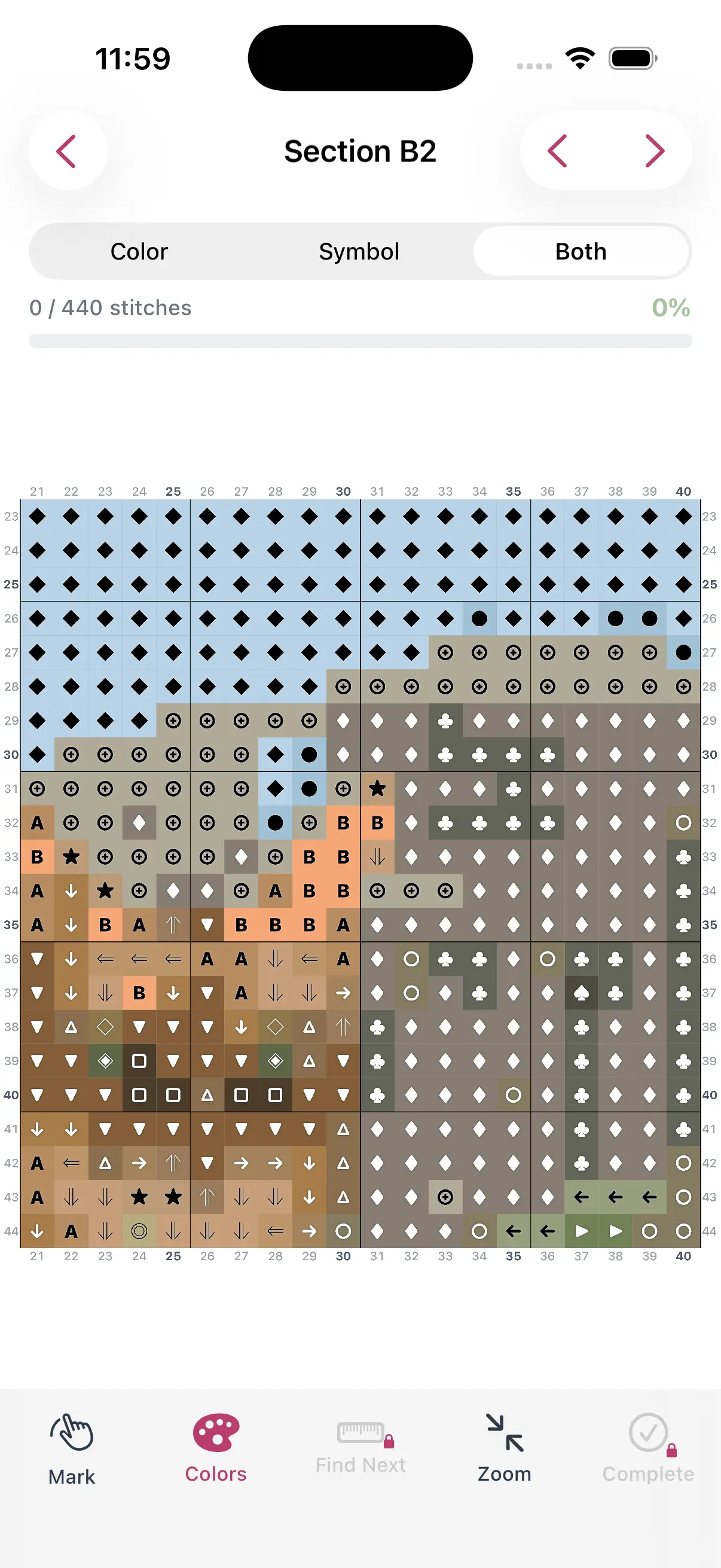
If two adjacent areas in your pattern have similar values (even if their hues differ), they will appear to merge when stitched. Ensure that each major area of your design has a different value level from its neighbors.
Build Around a Dominant Color
The best palettes have a clear dominant color — the hue that appears most often and ties the design together. Build your palette outward from that anchor:
- Choose your dominant color (e.g., a warm tan for a portrait)
- Add shadows (darker versions of that hue)
- Add highlights (lighter versions)
- Introduce one or two accent colors for contrast
How StitchCraft Helps
StitchCraft's color palette editor shows you every DMC color in your pattern with a stitch count for each one. You can:
- Tap any color to swap it for a different DMC number
- Remove colors used in fewer than 5–10 stitches to simplify the palette
- Merge similar shades to reduce thread count
- Preview how palette changes affect the full pattern in real time
This makes color editing intuitive even if you have no background in color theory.
Trust Your Eye
After all the theory, the final test is simple: does the pattern preview look like what you want to stitch? Zoom out, look at the full image, and trust your instincts. If a color feels off, swap it. The preview updates instantly.
Download StitchCraft from the App Store to build and refine your color palette before you buy a single thread.